
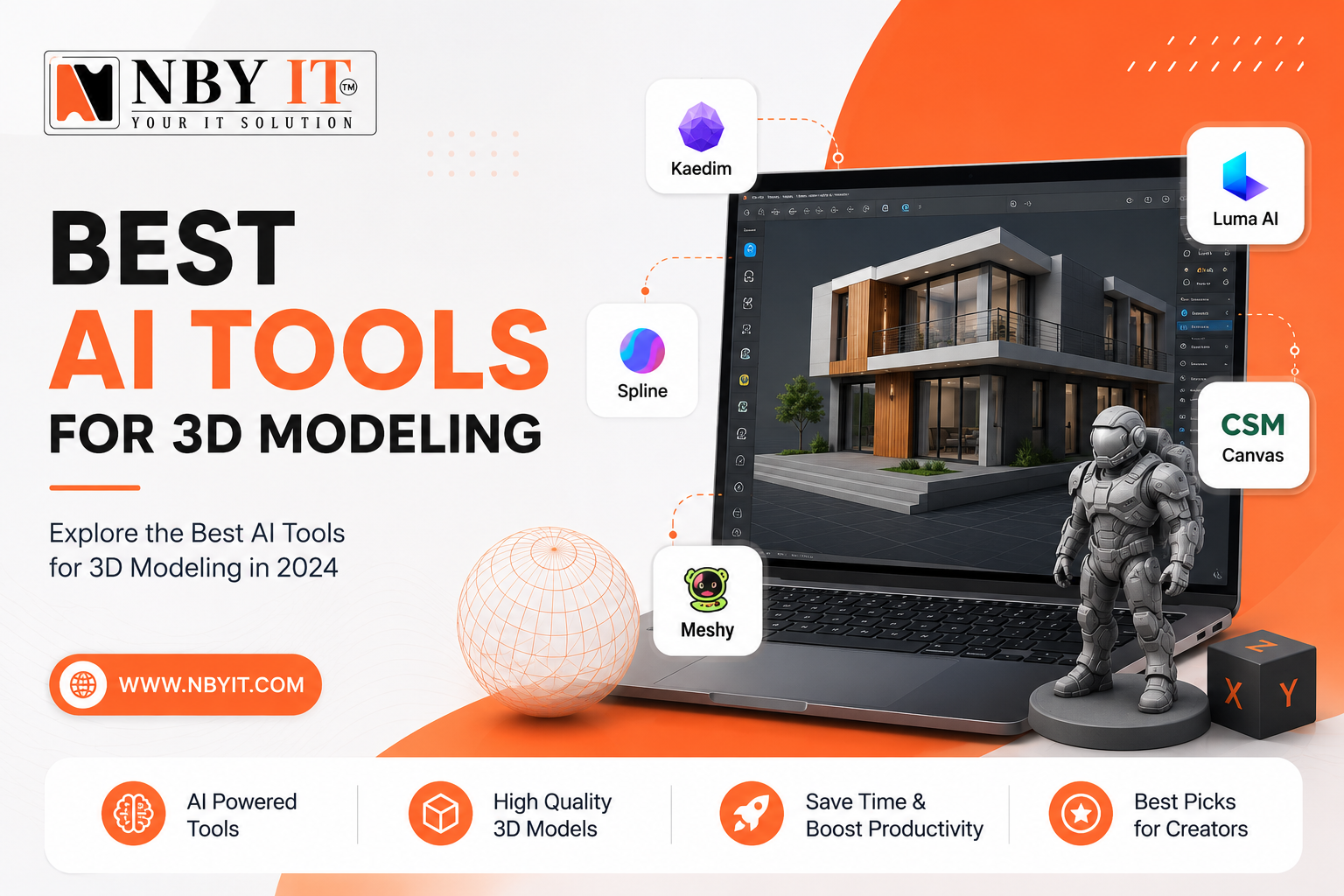
Creating a 3D model used to mean years of training, expensive software, and hours of painful manual work. That is no longer the whole story. Today, AI tools can turn a simple text description or a flat photo into a complete, usable 3D model in minutes. The technology has matured fast, and 2026 is genuinely the best time to explore what is out there.
Among all the options available right now, Meshy AI stands out as the most beginner-friendly and practically useful tool for anyone who needs real results without a steep learning curve. Whether you are a product designer, a game developer, an architect, or just someone curious about what AI can actually do, this breakdown covers every major tool, what it is good at, and which one fits your situation best.
How AI Actually Builds a 3D Model
Before jumping into specific tools, it helps to understand what is actually happening when an AI generates a 3D model. This is not magic, and understanding the process helps you set the right expectations before you invest time into any particular tool.
Traditional 3D modeling is a manual craft. A skilled artist opens software like Blender or Maya, then builds a model by hand, vertex by vertex, polygon by polygon. It is precise work that requires both technical skill and an artistic eye. A single product model can take anywhere from a few hours to several days, depending on the complexity.
AI 3D generation works in a fundamentally different way. Most tools available today fall into one of three categories.
The first is text to 3D. You type a description, something like “a wooden chair with curved armrests,” and the AI produces a 3D model within minutes. These systems have been trained on enormous libraries of 3D assets and have learned to connect language to shapes, proportions, and surface detail.
The second is image to 3D. You upload one or more photos of a real object, and the AI uses depth estimation and geometry reconstruction to build a digital 3D version of it. This approach works especially well when you need to turn physical products into digital assets for marketing, e-commerce, or client presentations. If you want to understand how that kind of output gets used professionally, our 3D product modeling services give a clear picture of what production-ready results actually look like.
Most serious tools in 2026 support at least one of these approaches, and the strongest ones handle all three. Output quality varies quite a bit between tools, which is exactly why choosing the right one for your use case makes such a big difference.
Best AI Tools for 3D Modeling
Meshy AI: The Most Useful Starting Point for Most People
If you are new to AI 3D generation, or if you need a tool that works reliably across a wide range of use cases, Meshy AI is the one to start with. It consistently produces cleaner outputs than most competitors, it handles both text and image inputs well, and the interface is approachable enough that someone with zero 3D experience can get a usable result in under ten minutes.
What makes Meshy stand out is not just that it generates 3D shapes. It generates shapes with proper topology, meaning the mesh structure is clean enough to actually use in downstream applications. Many AI tools generate models that look fine in a preview but fall apart when you import them into Blender or a game engine because the underlying geometry is a mess of overlapping triangles and broken edges.
Meshy also handles texturing well. Once you have a base mesh, you can ask it to apply textures either by describing them in text or by providing a reference image. The texture quality is good enough for product visualization, marketing renders, and game prototyping. It is not always perfect for final production assets in a AAA game, but for concepts, pitches, and early-stage work, it is genuinely impressive.
The tool exports in common formats, including OBJ, FBX, GLTF, and STL, which means whatever software you plan to use next will almost certainly support the files you get out of Meshy.
Meshy has a free tier that lets you test the tool before committing to anything, and the paid plans are priced accessibly for freelancers and small studios. The community around it is also active, which means tutorials and examples are easy to find when you get stuck.
For anyone asking which AI to use first, Meshy is the answer. Then, depending on your specific needs, the tools below each offer something Meshy does not.
Luma AI: Turning Real Photos into 3D Models
Luma AI solves a specific and very common problem. You have a physical object, maybe a product you are selling, a piece of furniture, or a prop you built for a film shoot, and you need a 3D digital version of it. The old answer was to hire someone to model it by hand. Luma AI gives you a faster path.
The process works through photogrammetry powered by neural radiance fields, which is a technology called NeRF. You take a series of photos of an object from different angles and upload them to Luma, and it builds a 3D reconstruction. The quality you get depends heavily on how well-lit your photos are and how consistently you cover all angles, but with a decent setup and about thirty to sixty photos, the results can be excellent.
Luma has a mobile app that guides you through the capture process, which makes it much easier for people who have never done photogrammetry before. The app tells you when you have covered enough angles and flags areas where more coverage would help.
The NeRF output from Luma is photorealistic in terms of how it looks from any angle, because it is essentially learning a volumetric representation of the light in your scene. However, converting that NeRF into a clean polygon mesh for use in standard software is still a step that requires some work. Luma has improved its mesh export options considerably in 2026, and for many use cases, the exported mesh is good enough to work with directly.
This tool is ideal for e-commerce product photography teams, film production companies doing prop digitization, architects who want to digitize physical models, and anyone working in 3D architectural modeling who wants to capture existing objects or spaces. If your starting point is real-world objects rather than imagination, Luma is one of the best tools available.
Spline AI: Building 3D for the Web
Spline has been popular among UI and web designers for a few years now, and its AI features have made it even more relevant in 2026. The core idea behind Spline is that 3D should be accessible to designers who do not have a 3D modeling background, and the AI layer builds on that goal.
You can generate 3D shapes using text prompts directly inside Spline, and since Spline is built for web output from the ground up, everything you create is optimized for real-time display in a browser. There is no conversion step, no worrying about polygon counts destroying your frame rate, and no complex export pipeline to manage.
The reason this matters is that web-based 3D is becoming increasingly important for product websites, interactive portfolios, and app landing pages. Companies want their product pages to show a rotating, interactive 3D model rather than a flat photo. Spline makes that possible without needing a Three.js developer or a dedicated 3D artist.
Spline AI can generate objects from descriptions, apply animations to those objects, and let you drag and drop them into a scene with lighting and materials already configured. The output can be embedded directly into a website with a single line of code. For marketing teams and web designers, that workflow is genuinely revolutionary.
The limitation with Spline is that it is not the right tool for high-resolution production assets. The polygon counts are kept low for performance reasons, and the texture detail reflects that tradeoff. If you need a hero image quality render for a print campaign, Spline is not your tool. But if you need something that runs smoothly in a browser and looks great at screen resolution, it is hard to beat.
Kaedim: Built for Game Studios and Product Teams
Kaedim takes a different approach to AI 3D generation. Rather than generating purely from prompts or photos, it combines AI with human artist review to produce game-ready assets. You submit a reference image or description, and Kaedim uses AI to generate a base model that a human artist then reviews and refines before delivering it to you.
This hybrid approach sounds slower than a pure AI tool, and it is. But the result is that you get a model that meets production standards rather than a model that looks impressive in a screenshot but needs extensive cleanup before it is actually usable.
For game studios and product development teams that are on tight deadlines but cannot sacrifice quality, Kaedim represents a smart middle ground. The turnaround time is typically measured in hours rather than days, which is still dramatically faster than fully manual modeling. The pricing reflects the premium nature of the output, so it is positioned for professional clients rather than individuals experimenting with AI.
Kaedim excels at character assets, environmental props, and product designs where the geometry needs to deform properly for animation and the polygon budget needs to be managed carefully. If you have tried pure AI tools and found the output too rough for your needs, Kaedim is worth exploring as an upgrade. You can also see what professional 3D game modeling looks like when handled by experienced artists to benchmark the quality level you should aim for.
NVIDIA GET3D and AI Research Tools
NVIDIA has been deeply involved in 3D AI research, and its GET3D model represents some of the most impressive work in purely generative 3D output. GET3D learns to generate textured 3D shapes from collections of 2D images, and it can produce shapes with explicit mesh geometry rather than implicit representations, meaning the output is directly usable in standard software without conversion.
The quality of geometry that GET3D can produce is genuinely remarkable when compared to earlier approaches. The shapes have proper UV coordinates for texturing, and the topology is reasonably clean. For a purely generative AI model without human-in-the-loop refinement, this is impressive.
However, GET3D and similar research tools are not consumer products in the way that Meshy or Luma are. They require technical setup, GPU resources, and comfort with running code from a repository. For a team with an AI researcher or a developer who is comfortable with machine learning environments, these tools offer capabilities that commercial products have not yet matched. For everyone else, the commercial tools above are more practical.
The significance of Nvidia’s work is more in what it tells us about where the field is heading. The research prototypes of today tend to become the product features of tomorrow, so watching what Nvidia and academic labs are doing gives you a preview of what will be available in consumer tools within the next year or two.
Point E and Shap E from OpenAI
OpenAI released two 3D generation models, Point E and Shape E. While they are not at the top of the quality rankings today, they are worth knowing about because they reflect OpenAI’s direction in this space.
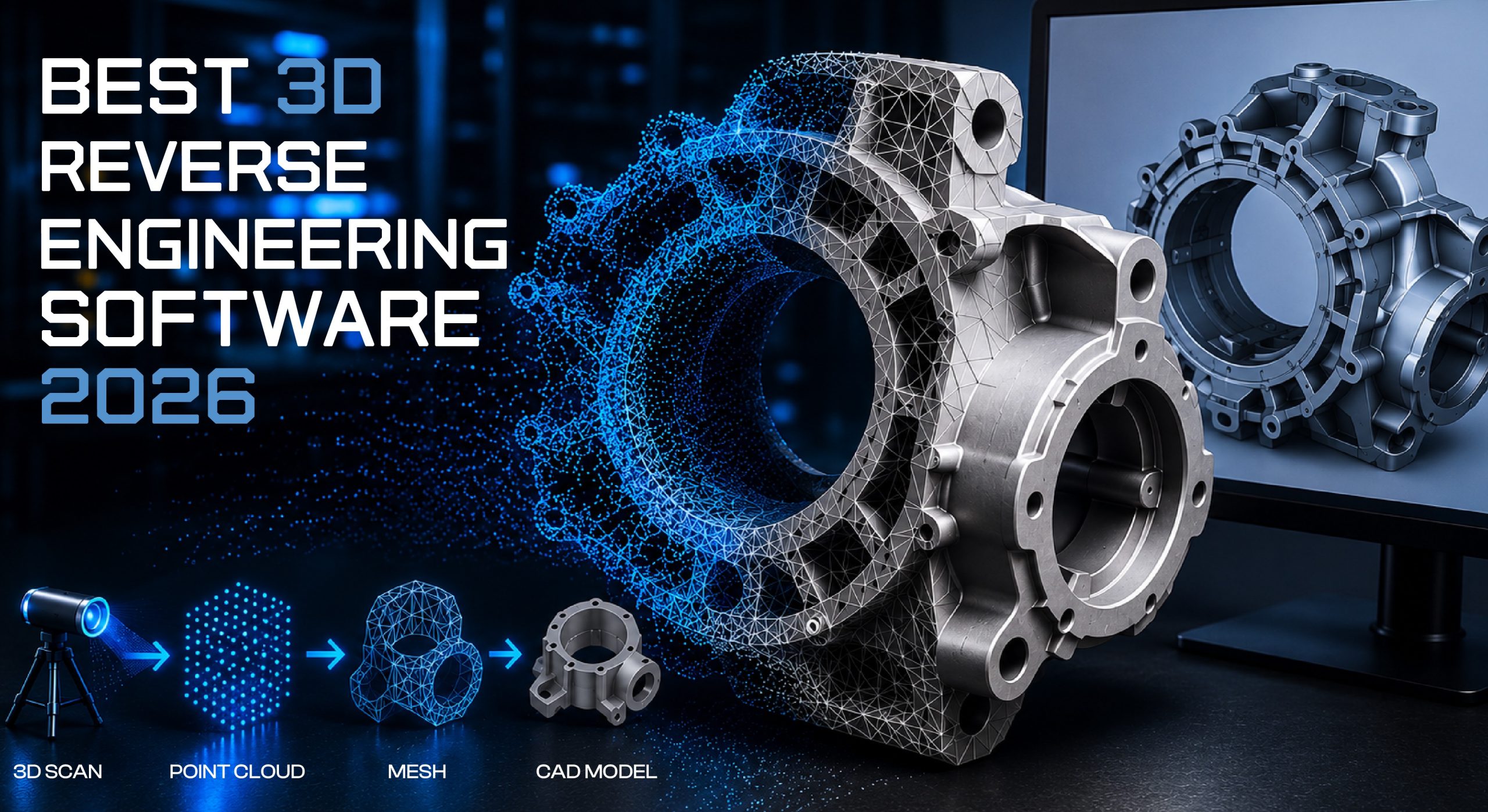
Point E generates point clouds, collections of 3D points that define a rough shape. Shape E goes further by generating implicit functions that can be converted into meshes and textures. Both models work from text descriptions and produce outputs in seconds.
The speed is impressive. The quality is currently behind what dedicated commercial tools offer, but OpenAI updates its models frequently, and given the company’s resources and track record, these tools will likely improve significantly. They are already useful for rapid prototyping situations where you need to visualize a rough concept quickly without worrying about production quality.
For developers who are already using the OpenAI API for other purposes, integrating Point E or Shap E into a workflow is relatively straightforward. If you are building an application that needs 3D generation as one step in a larger pipeline, these models offer a convenient option.
CSM AI: Going From Images to Full 3D Pipelines
CSM, which stands for Common Sense Machines, takes an ambitious approach to the image-to-3D problem. The goal is not just to generate a single model but to understand the 3D structure of a scene from images in a way that captures relationships between objects, materials, and lighting.
What this means practically is that CSM can take a product photo or a scene photograph and produce not just a model of the main object but a full representation of the environment, including surface materials, lighting conditions, and how different objects relate to each other in space.
For industries like interior design, retail visualization, and film production, this is extremely valuable. An interior designer can photograph a room and get back a 3D scene they can modify, move furniture around in, and render with different lighting without having to manually model every piece. This is exactly where services like professional 3D interior modeling shine, combining the power of AI capture with expert human refinement for truly polished results.
CSM is more technically sophisticated than many of the tools above, and getting the best results requires some understanding of what the tool is doing. But for teams working at the intersection of photography and 3D visualization, it fills a gap that simpler tools do not address.
Alpha3D: Automating E-Commerce Product Visualization
Alpha3D was designed specifically for one major use case: turning flat product images into 3D assets for e-commerce. If you sell physical products online and want interactive 3D views on your product pages, Alpha3D offers an automated pipeline that makes this practical at scale.
The system takes your existing product photography, which you already have, and converts it into 3D models optimized for web display. The output can be used in AR try-on features, interactive product configurators, and 360-degree spin views. All of these have been shown to increase purchase confidence and reduce return rates in e-commerce.
What makes Alpha3D different from general-purpose tools is that it is tuned specifically for product categories that matter in retail: furniture, footwear, apparel, electronics, and consumer goods. The AI has been trained on these specific types of objects, which means the results are better calibrated to the geometric characteristics of real products than a general-purpose generator would produce.
For a company running thousands of product SKUs, the ability to generate 3D assets at scale without individual manual modeling sessions is a genuine competitive advantage. Alpha3D is built with that workflow in mind, offering batch processing and API access for teams that need volume. For businesses that want truly polished output, pairing AI generation with professional 3D product modeling services ensures the final assets meet the highest commercial standards.
Rodin Gen 1.5: High-Quality Generation for Professional Use
Rodin, developed by Deemos, has been steadily building a reputation as one of the higher-quality options for professional AI 3D generation. The most recent version, Gen 1.5, produces models with better surface detail, cleaner topology, and more accurate proportions than earlier versions.
Rodin works from both text and image inputs, and one of its strengths is handling the type of detailed character and creature modeling that matters for game and film work. Many AI tools struggle with organic shapes like faces, hands, and natural forms. Rodin handles these better than most, though it still does not match the output of a skilled human artist for final production hero assets.
What Rodin offers that is genuinely useful is the ability to generate a solid starting point for a character or organic object that an artist can then refine in Blender or ZBrush. Getting from zero to a rough but well-proportioned model in minutes saves significant time, even if the human artist still spends an hour or two polishing the result. The net time saving is still substantial.
Rodin is priced for professional use and offers a subscription model that fits studio workflows. For teams doing regular 3D character work, it belongs in the conversation alongside Meshy as a primary tool.
Tripo AI: Fast Results With Decent Quality
Tripo AI has carved out a space as a fast and accessible option for users who need a quick turnaround without the quality ceiling that the premium tools offer. It handles text-to-3D and image-to-3D inputs and returns results faster than most competitors.
The speed advantage is real. If you are iterating through design concepts and need to visualize multiple ideas quickly, Tripo’s pace is a genuine asset. You can generate ten variations of a concept in the time it might take Rodin to produce two or three, which makes it useful in early-stage ideation sessions.
The tradeoff is that Tripo’s output quality, while acceptable for concept work and internal reviews, typically needs more cleanup than Meshy or Rodin if you are taking it into production. The meshes tend to be slightly less clean, and the textures a little less detailed. But for the price point and the speed, it delivers solid value for studios that need quick concept assets.
What AI 3D Tools Still Cannot Do Well
It would be misleading to describe AI 3D generation without being honest about the current limitations. These tools are genuinely impressive and genuinely useful, but they are not a full replacement for skilled 3D artists in every situation.
Highly complex mechanical assemblies with precise tolerances, like engineering parts that need to fit together exactly, are still better modeled by hand or through AI CAD software. Our mechanical 3D modeling services handle exactly these kinds of precision requirements that AI tools alone cannot yet meet. AI tools can generate something that looks like a mechanical part, but the dimensional accuracy needed for engineering is not what these tools are optimized for.
Very detailed character faces that will be seen in close-up, either in a film or in a game cutscene, still benefit enormously from human artist refinement. AI can produce a good starting point, but the final push from a good result to an excellent result is still very much human work.
Completely novel and highly specific designs, like a product that has never existed before with unusual proportions or a unique structural feature, tend to be harder for AI to nail because it is working from patterns in training data. The more unusual your design, the more likely you are to need manual work.
This is not a criticism of the tools. It is just important context for setting expectations. The best outcomes in professional 3D work right now come from combining AI tools for the work they handle well with human expertise for the parts they do not yet handle well.
Choosing the Right AI 3D Tool for Your Situation
With so many options available, the choice comes down to what you are actually trying to accomplish. Here is a practical way to think through it.
If you are just starting and want to experiment with AI 3D generation without spending money or spending time on a steep learning curve, start with Meshy AI. The free tier gives you enough access to understand what AI 3D generation actually feels like, and the quality of the output will give you a realistic picture of what the technology can do today.
If your work involves capturing real physical objects and turning them into digital assets, Luma AI is your best bet. The photogrammetry pipeline is the most user-friendly available, and the NeRF output quality is among the best in the field.
If you are a web designer or UI designer who wants to bring 3D elements into websites and interactive experiences, Spline is built for exactly that use case, and the AI features make it significantly more accessible than it was a year ago.
If you are part of a game studio or a product development team that needs clean, production-ready geometry and can trade a slightly longer turnaround for noticeably better quality, Kaedim is worth the premium. Its hybrid AI and human review process closes the quality gap that pure generation tools still leave open. If you want to see what truly production-ready assets look like before committing to any tool, exploring professional 3D game modeling work gives you a useful quality benchmark to measure against.
If you are running an e-commerce operation and need to convert product photography into 3D assets at scale, Alpha3D is the most purpose-built tool for that specific workflow.
If you are doing professional character or creature work and need the best AI starting point for organic shapes before artist refinement, Rodin Gen 1.5 is the strongest option in that category.
How AI 3D Tools Fit Into a Professional Workflow
The most effective approach in a professional studio looks something like this. A concept artist or designer uses an AI tool to rapidly generate three to five rough versions of an idea. These rough versions help the team align on direction, identify problems early, and avoid spending days modeling something that turns out not to be what the client wanted. Once a direction is chosen, an artist uses the AI output as a starting point and refines it in Blender, ZBrush, Maya, or whatever software the studio uses. The final polish, rigging for 3D animation, optimization for the target platform, and final texture work all still happen with human expertise.
This workflow can easily cut the total time for a project by thirty to fifty percent compared to starting from scratch manually. That time saving compounds across a project and across a studio’s entire portfolio of work.
For solo freelancers, the benefit is similar but the savings show up differently. A freelancer who previously could take on three projects a month because of the time required for modeling can potentially take on five or six using AI to handle the rougher early stages. That is a meaningful increase in earning potential without a corresponding increase in hours worked.
The Future of AI 3D Generation
The pace of improvement in this space is genuinely fast. If you look at where these tools were two years ago compared to where they are today, the quality gap is dramatic. The tools that impressed people in 2024 look modest compared to what Meshy, Rodin, and Luma are producing in 2026.
The trajectory points toward a few things that are likely to arrive in the next one to two years. Real time AI 3D generation, where models are produced in seconds rather than minutes, is close. The compute requirements are dropping as the models become more efficient and the hardware running them becomes more capable.
Better integration with existing software is also coming. Rather than using a standalone AI tool and then importing its output into Blender, you will increasingly be able to use AI generation directly inside the software you are already working in. Several major 3D software vendors are already building AI features into their products, and this trend will accelerate.
Physics-aware generation, where the AI understands structural integrity, material properties, and how objects behave in the real world, is an area of active research. Once that arrives at commercial quality, the usefulness of AI 3D tools for 3D product design and engineering will increase substantially.
Animation generation from AI is also improving rapidly. Generating a static model is one thing; generating a model that moves naturally is considerably harder. But the early results from tools working on this problem are genuinely promising.
Working With a Professional 3D Team Alongside AI Tools
Understanding which AI tools exist and what they can do is genuinely useful, and if you are a business that needs 3D assets, some of these tools might handle parts of your needs directly. But there are situations where working with a dedicated 3D modeling services team produces results that AI alone cannot yet match.
Complex custom products with specific engineering requirements, high-quality hero imagery for major campaigns, and large-scale 3D rendering projects with tight quality standards all benefit from human expertise that knows when to use AI tools and when to go beyond them. The best professional 3D work in 2026 combines both, and that combination is where the strongest results come from.
Whether your project calls for AI-assisted rapid prototyping, fully custom hand-modeled assets, or a workflow that uses both intelligently, understanding what each approach offers helps you make better decisions for your work.
Final Thoughts
AI 3D generation in 2026 is no longer a novelty. It is a real, practical part of how 3D content gets made, and the tools available today are good enough to have a meaningful impact on real projects. Meshy AI is the best starting point for most people because it balances quality, ease of use, and versatility better than any single competitor. Beyond that, the right tool depends on your specific situation, and hopefully the breakdown above helps you match your needs to the tool that fits them best.
The technology is moving fast. Tools that are leading the pack today will look different in twelve months, and tools that are not yet household names may emerge as frontrunners. The best approach is to stay curious, test the free tiers, and build an understanding of what these tools can actually do rather than what the marketing says they can do. That hands-on experience is what will let you make smart decisions as the landscape continues to shift.
Common Questions About AI 3D Generation
Can AI generate 3D models good enough for professional use?
For many professional use cases, yes. For concept work, product visualization, game asset prototyping, architectural visualization, and e-commerce product pages, current AI tools produce output that is either production-ready or close enough to it that artist cleanup time is manageable. For hero characters in film and for precision engineering, AI output still typically serves as a starting point rather than a final product.
Do you need any 3D modeling experience to use these tools?
Most of the tools listed here are designed to be accessible without prior 3D experience. Meshy, Spline, and Luma in particular have interfaces that a complete beginner can navigate. Understanding basic 3D concepts like polygon count, UV mapping, and file formats will help you get more out of the tools, but it is not required to get started.
Are the file formats compatible with standard 3D software?
Yes. All the major tools export in OBJ, FBX, GLTF, and often STL, which are the standard formats supported by Blender, Maya, Cinema 4D, Unreal Engine, Unity, and most other professional tools. You will not be locked into a proprietary format.
How much does it cost to use AI 3D generation tools?
Most tools offer a free tier with usage limits, and paid plans typically range from around twenty dollars a month for individual use to a few hundred dollars a month for team or studio use. Kaedim and similar enterprise-focused tools have custom pricing. Compared to the cost of manual modeling at professional hourly rates, even the paid plans represent substantial savings for regular users.
Will AI 3D tools replace 3D artists?
This question comes up constantly, and the honest answer is that AI is changing what 3D artists spend their time on rather than eliminating the need for them. The rough mechanical work of building basic shapes is increasingly something AI can handle. The creative judgment, quality control, problem-solving, and final polish that make professional 3D work excellent are still very much human skills. Artists who learn to work with AI tools are seeing their productivity increase significantly, which is a competitive advantage, not a threat.