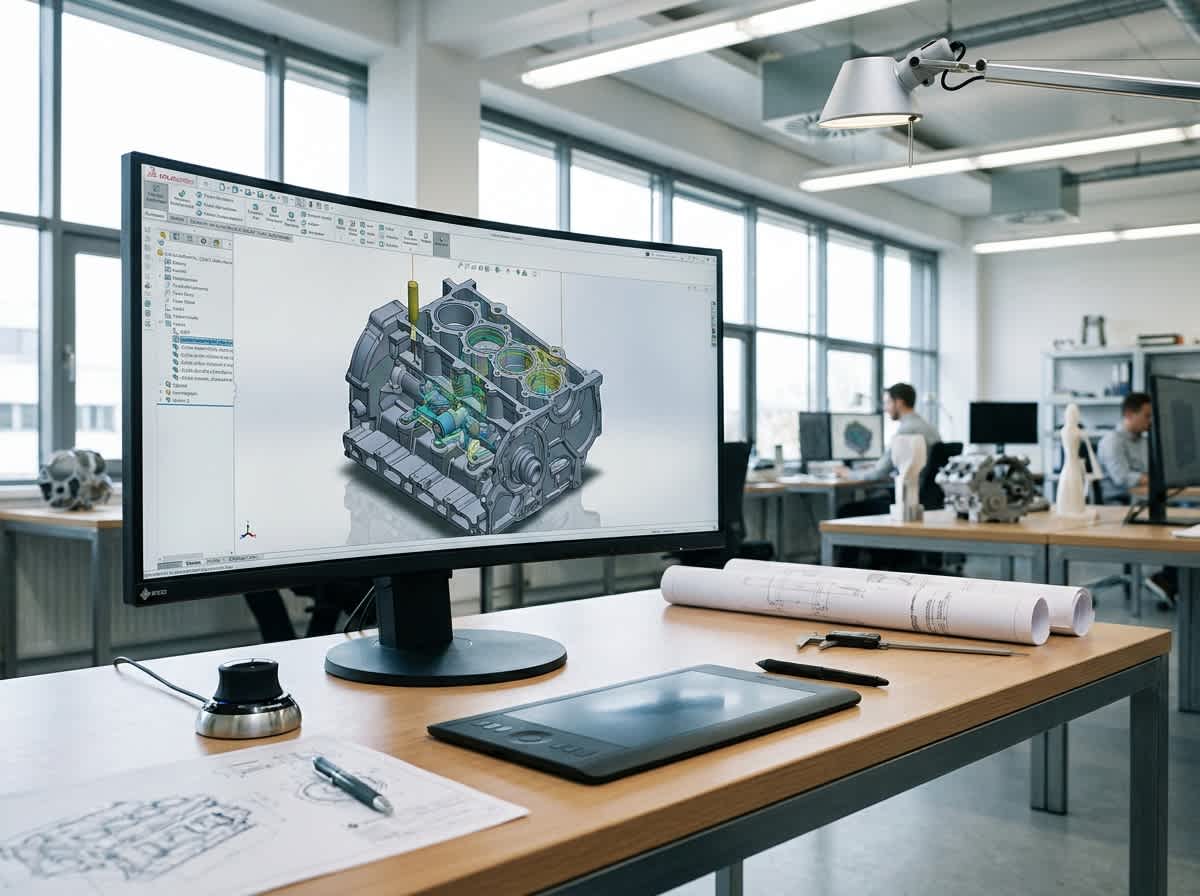
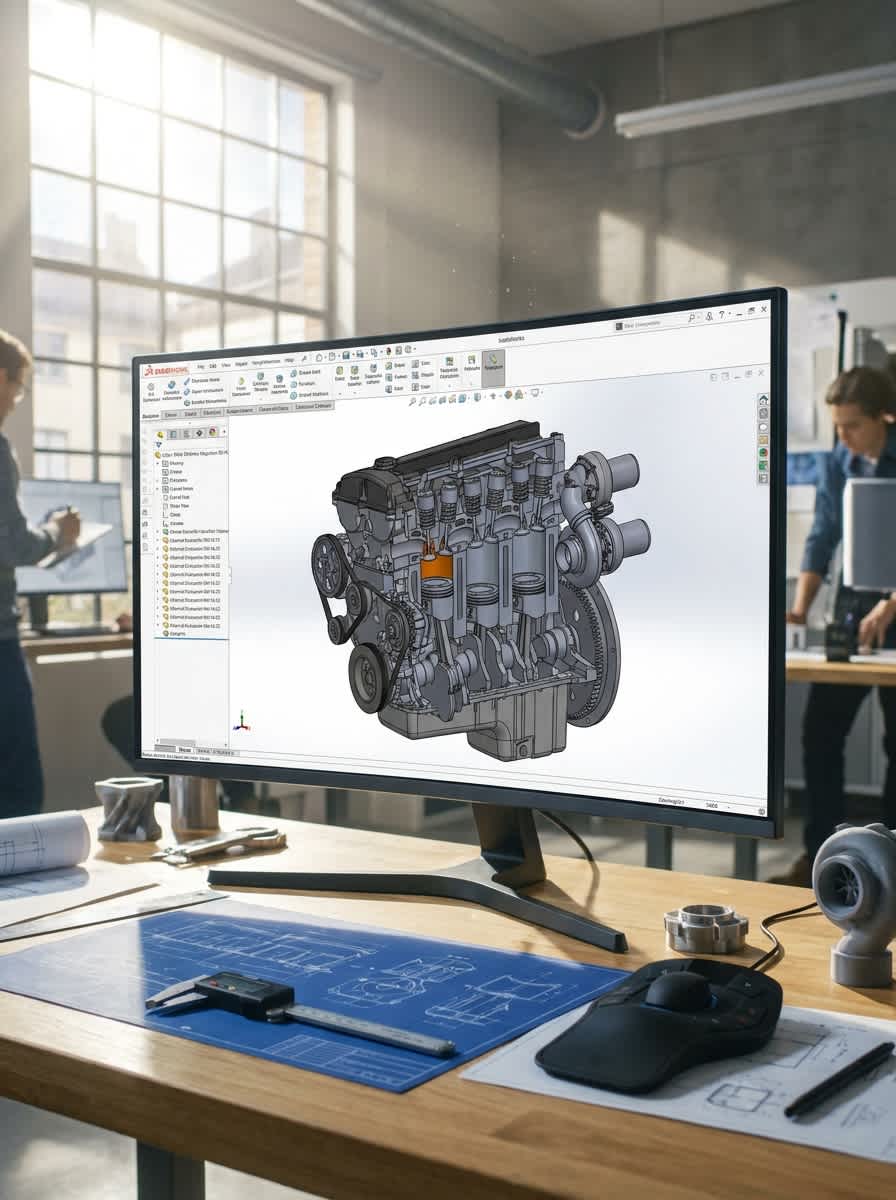
Native, editable SolidWorks models, assemblies and drawings built from your sketches, samples, STEP files or old 2D drawings. Clean files your team and suppliers can open, change and build from.
Professional SolidWorks Design Services Built for Manufacturing A SolidWorks model is only useful if your team can open it, change it and build from it. NBY IT Solution is a SolidWorks design company with 90+ 3D artists, 17+ years of experience and 224,000+ 3D models created. We deliver native part, assembly and drawing files with a clean feature tree, so edits are quick and your suppliers get exactly what they need.
WHAT ARE SOLIDWORKS DESIGN SERVICES?
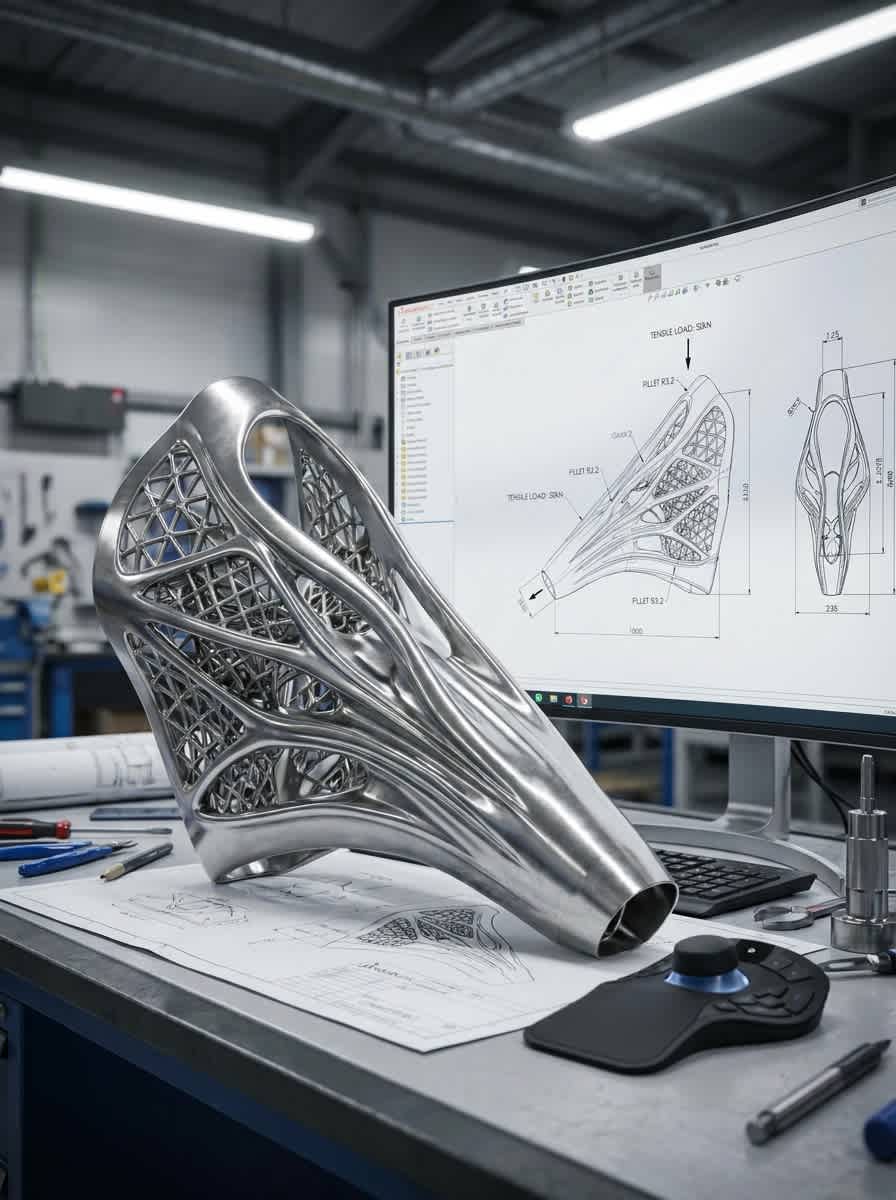
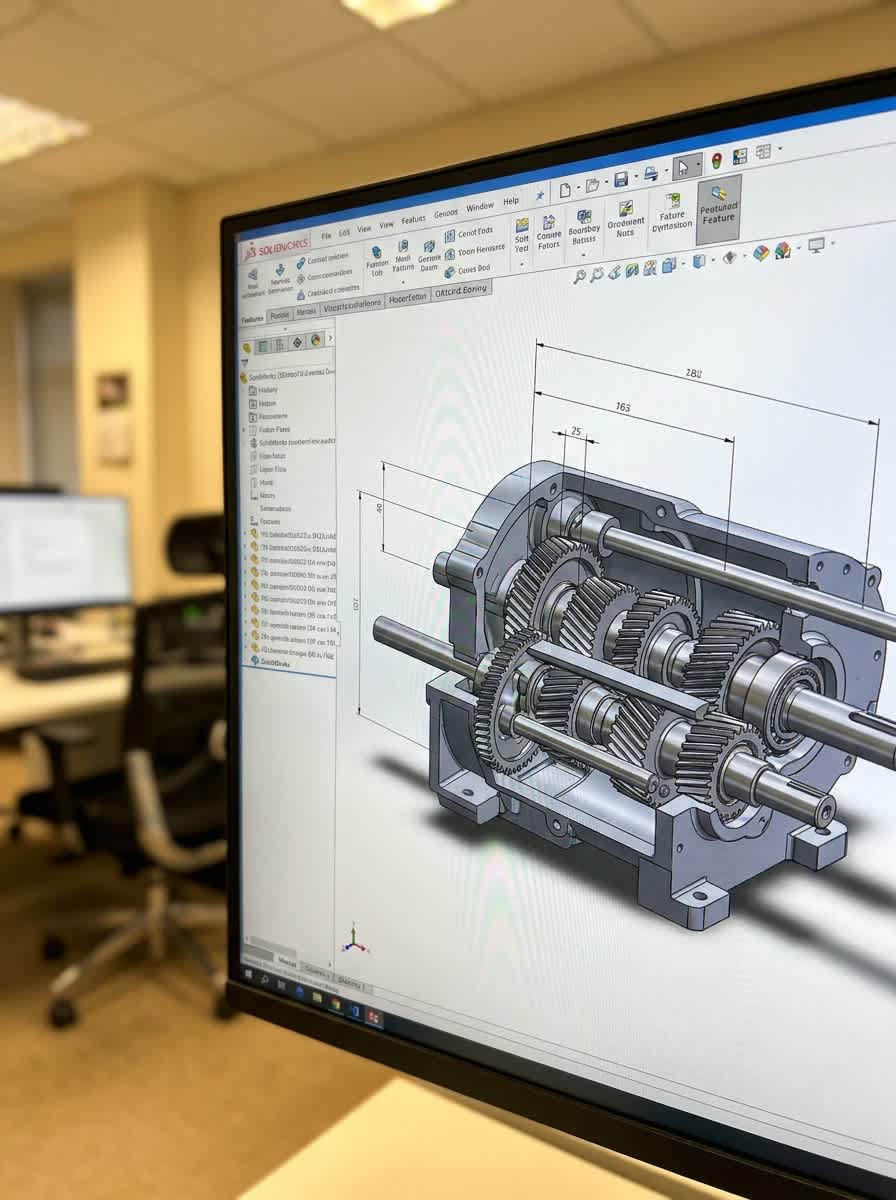
What Are SolidWorks Design Services? SolidWorks design services are outsourced 3D modeling and drafting done in SolidWorks CAD. A designer builds parametric parts, assembles them, checks fit and produces the drawings a shop needs. Because the model is parametric, it is driven by dimensions and relations: change one dimension and the part, the assembly and the drawing update together. You receive native files (SLDPRT, SLDASM, SLDDRW) that open directly in your own SolidWorks.
WHY BUSINESSES NEED IT
Why Businesses Need Professional SolidWorks Design Services
Native Files, No Rework
Models open in your SolidWorks as editable parts, not dead geometry.
Fast Design Changes
Parametric models update when a dimension changes.
Fewer Design Errors
Mates and interference checks catch problems on screen, not on the shop floor.
Capacity Without Hiring
Add SolidWorks skills for a peak load or a single project.
Supplier-Ready Output
Drawings and neutral files for your shop or supplier.
No Extra Seat to Buy
Skip the licence and training cost for a one-off project.
Our SolidWorks Design Capabilities
Parametric Part Modeling
Machined, molded and fabricated parts with a clean, editable feature tree.
Assembly Design
Mated assemblies with interference checks, exploded views and parts list
SolidWorks Drawings
Dimensioned drawings with tolerances, views, notes and a bill of materials.
Sheet Metal Design
Bent and cut parts with flat patterns for laser, punch and press brake.
Weldment Design
Welded frames and structures with cut lists.
Surface Modeling
Curved shapes for housings and consumer products.
Configurations & Design Tables
One model, many sizes and variants.
Get a Free Demo of NBY IT Customer Platform
Get a Free Quote for Your SolidWorks Design Project Share your sketches, samples or files and get a clear quote with scope, timeline and price. Tell us your SolidWorks version so we deliver files you can open.
Babul Hossain
Founder & CEO
Tell Us What You're Building, and Let's Create Something Amazing Together.
At NBY IT, we take pride in our ability to translate your ideas into realistic 3D forms.
SolidWorks Design Services
Benefits of Professional SolidWorks Design Services
Editable, Native Models
Your engineers can change them without starting over.
Clean Feature Trees
Logical, well-named features that are easy to follow later.
What do you need to start a SolidWorks design project?
Sketches, photos, PDFs, STEP files or existing SolidWorks files, plus key dimensions and units, material, how the part will be made (CNC, molding, sheet metal, welding, 3D printing), your SolidWorks version and the file formats you need.
Which SolidWorks version and file types do you deliver?
We deliver native SLDPRT, SLDASM and SLDDRW files, plus neutral formats such as STEP, as agreed. SolidWorks files cannot be opened in an older version, so tell us your version at the start.
Can you work from a STEP file or a file from another CAD system?
Yes. A STEP or IGES file opens in SolidWorks as plain geometry with no feature history. We can rebuild it as a parametric model so you can edit dimensions and features. Tell us if you only need a clean import.
Do you design sheet metal parts and weldments?
Yes. We model bent sheet metal parts with flat patterns, and welded frames with cut lists.
Do you provide 2D manufacturing drawings?
Yes, with dimensions, tolerances and a parts list, following your drawing standard where you have one.
Can you convert 2D drawings to 3D SolidWorks models?
Yes. We can rebuild paper, PDF or DWG drawings as editable 3D models.
Can you modify or clean up my existing SolidWorks files?
Yes. Send the files and tell us what needs to change.
How long does a SolidWorks design project take?
It depends on part count and complexity. We confirm the timeline in your quote.
Do you manufacture the parts or run simulation?
We provide the CAD design and drawings. Your manufacturer builds the parts.